نقطة بيع سريعةFast point of sale
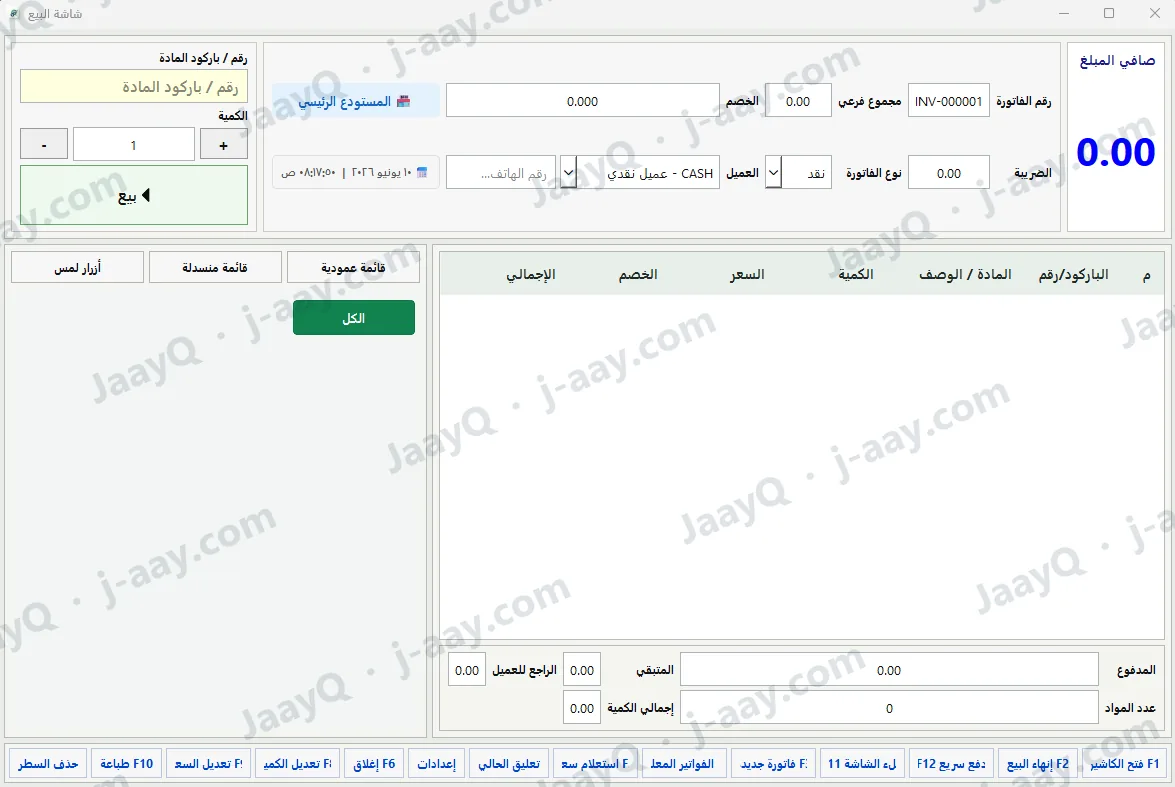
بيع نقدي أو بطاقة أو آجل، باركود، فواتير معلّقة، مرتجعات، وطباعة حرارية أو A4.Cash, card, or credit sales, barcodes, held invoices, returns, thermal or A4 printing.
نقاط بيع، فواتير، مخزون ومستودعات، عملاء وموردين، قيود محاسبية تلقائية، وتقارير. يعمل على أكثر من جهاز وأكثر من فرع. POS, invoicing, inventory and warehouses, customers and suppliers, automatic journals, and reports. Works across devices and branches.
المزاياFeatures
بيع نقدي أو بطاقة أو آجل، باركود، فواتير معلّقة، مرتجعات، وطباعة حرارية أو A4.Cash, card, or credit sales, barcodes, held invoices, returns, thermal or A4 printing.
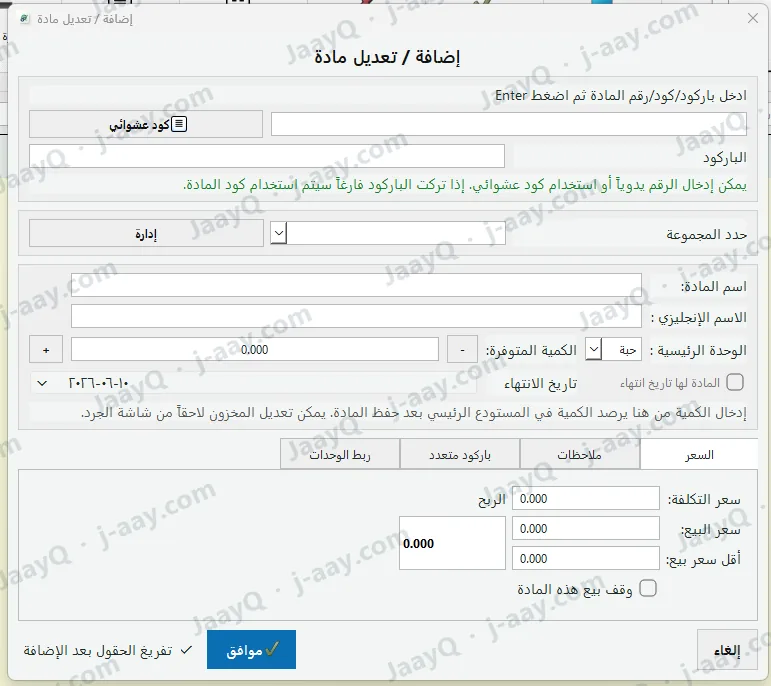
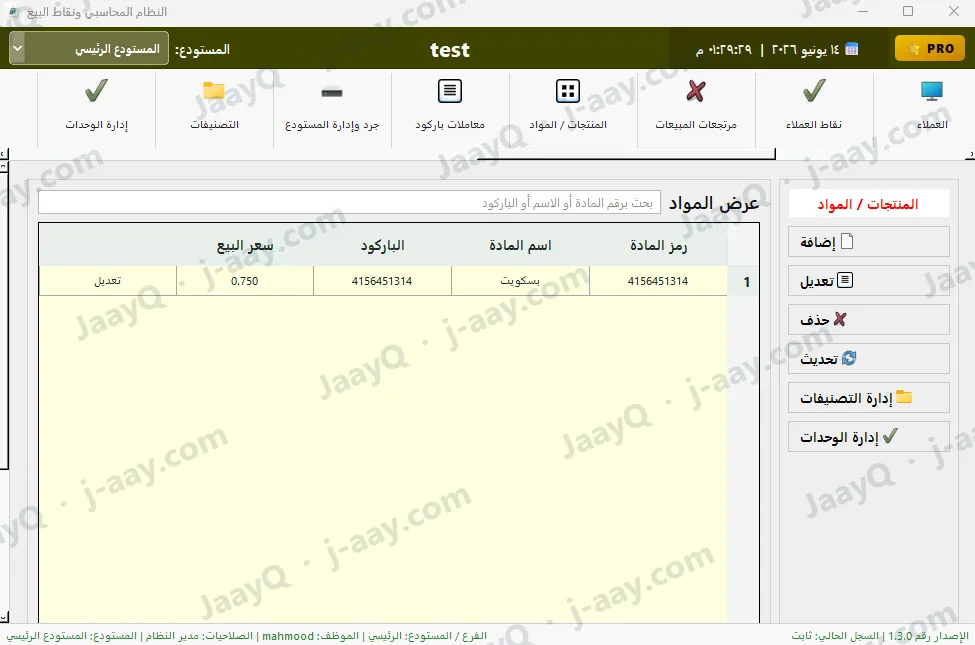
أرصدة لكل مستودع، تحويلات بين المستودعات والفروع، جرد، وتنبيهات نقص المخزون.Per-warehouse balances, transfers between warehouses and branches, counts, low-stock alerts.
قيود يومية للمبيعات والمشتريات والمصروفات والسندات، ميزان مراجعة وقائمة دخل.Journals for sales, purchases, expenses, and vouchers; trial balance and income statement.
اربط الكاشيرات بالجهاز الرئيسي برمز اقتران من 6 أرقام، واتصال مشفّر داخل شبكتك.Link cashiers to the main PC with a 6-digit pairing code over an encrypted local connection.
تابع مبيعات كل الفروع من أي مكان، وتصل الأصناف والأسعار من الفرع الرئيسي تلقائياً.Follow every branch from anywhere; products and prices flow from the main branch.
نقاط ولاء قابلة للاستبدال، وربط اختياري مع الفوترة الإلكترونية حيث تُلزم بها دولتك.Redeemable loyalty points, plus optional e-invoicing where your country requires it.
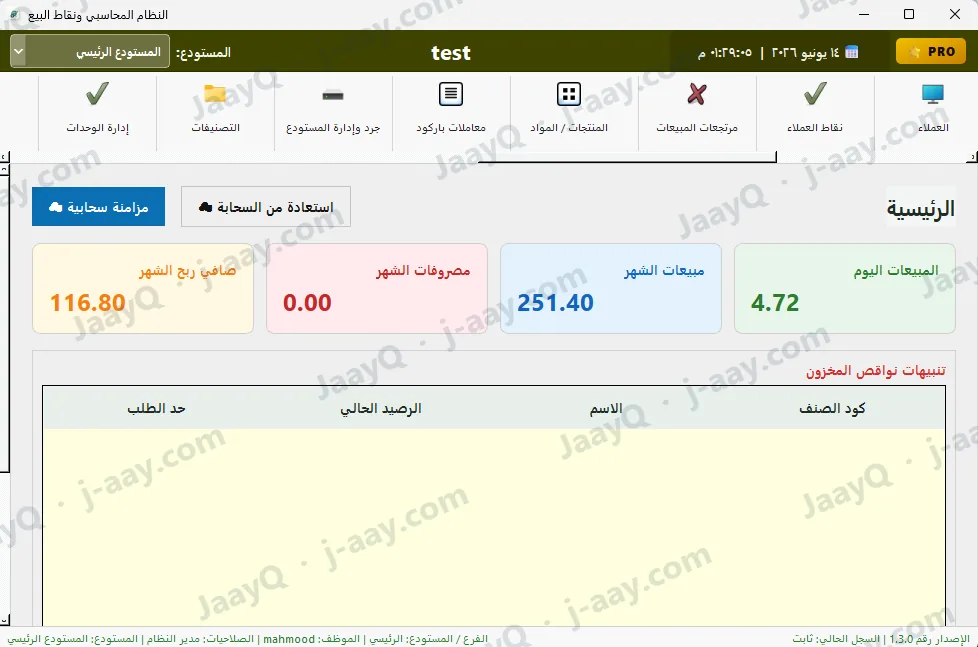
صور من النظامScreenshots
كيف تبدأGet started
ثبّت البرنامج على ويندوز 10 أو 11.Install on Windows 10 or 11.
كل الشاشات متاحة، حتى 10 فواتير بيع.Every screen included, up to 10 sales invoices.
ادفع إلكترونياً ويصلك مفتاح التفعيل فوراً.Pay online and get your activation key instantly.
أدخل المفتاح وتبقى بياناتك التجريبية كما هي.Enter the key; your trial data stays as it is.
الأسعارPricing
السعر لكل جهاز، مع خصم 10% على كل جهاز إضافي. Price per device, with 10% off each additional device.
$250 / جهازdevice
$100 / جهاز / سنةdevice / yr
دفع آمن ببطاقات الائتمان، ويصلك مفتاح التفعيل فور إتمام الدفع. Secure card payment; your activation key arrives as soon as you pay.
النسخة التجريبيةFree trial
إن ظهرت نافذة حماية ويندوز (SmartScreen) عند التثبيت، اضغط «مزيد من المعلومات» ثم «تشغيل على أي حال». If Windows SmartScreen appears, click “More info” then “Run anyway”.
نعم، البيع والمخزون والمحاسبة تعمل بالكامل بدون إنترنت. الإنترنت مطلوب فقط للتفعيل والتحديثات والمزامنة السحابية.Yes. Sales, inventory, and accounting work fully offline; internet is only needed for activation, updates, and cloud sync.
تبقى كما هي. بعد التفعيل تكمل العمل على نفس البيانات دون إعادة إدخال.It stays. After activation you continue on the same data without re-entering anything.
كل جهاز يعمل عليه البرنامج يحتاج ترخيصاً، مع خصم على الأجهزة الإضافية. الأجهزة في نفس المتجر تعمل على نفس البيانات عبر الشبكة المحلية.Each device running the program needs a license, with a discount on extra devices. Devices in the same store share one dataset over the local network.
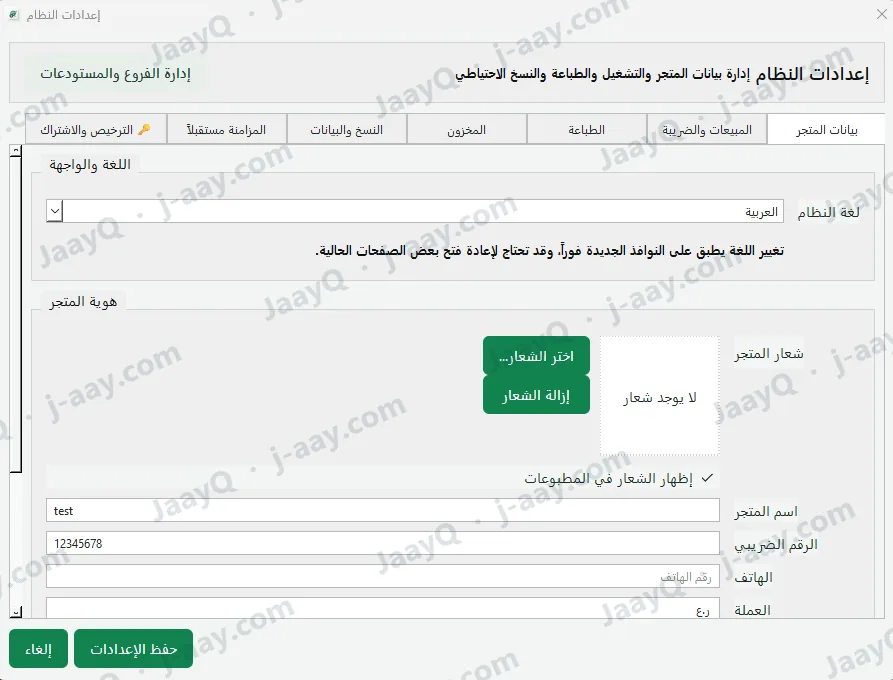
البيانات على جهازك، مع نسخ احتياطي تلقائي يمكن تشفيره بكلمة مرور، والاتصال بين الأجهزة مشفّر. المزامنة السحابية اختيارية.Your data lives on your PC with automatic, optionally password-encrypted backups, and device-to-device traffic is encrypted. Cloud sync is optional.